CSKFNET

Author name: Rajesh

M365

Improve Your Secure Score. Strengthen Your Security.

Improve Your Secure Score. Strengthen Your Security. Your Microsoft Secure Score tells a story. What story is your tenant telling?Many organizations invest in Microsoft 365 but do not fully utilize the security capabilities available to them.The result?⚠️ Security gaps⚠️ Increased cyber risk⚠️ Compliance challenges⚠️ Unprotected user identities and devicesMicrosoft Secure Score provides actionable recommendations that help organizations improve their security posture.The challenge is knowing which actions matter most and how to implement them effectively. At CSKFNET, we help customers transform Secure Score recommendations into measurable security outcomes by:✔ Implementing security best practices✔ Securing identities with Conditional Access and MFA✔ Protecting endpoints and cloud applications✔ Enhancing data governance and compliance controls✔ Continuously monitoring and improving security postureThe outcome is a more resilient Microsoft 365 tenant, reduced risk exposure, and stronger alignment with compliance frameworks.A better Secure Score is not just about achieving a number. It is about creating a secure and compliant digital workplace.#Microsoft365 #SecureScore #CyberResilience #SecurityPosture #RegulatoryCompliance #MicrosoftDefender #CloudSecurity #CSKFNET

Cost Management

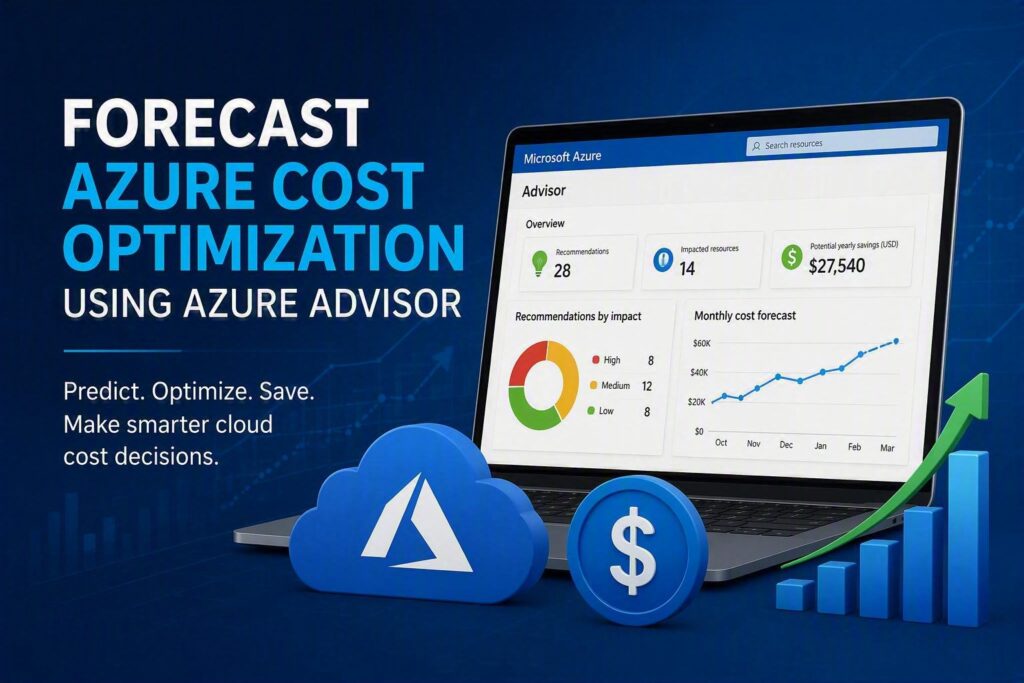
Optimize Azure Costs with Advisor

Optimize Azure Costs with Advisor Introduction Many organizations move to Microsoft Azure expecting flexibility and scalability. However, cloud costs can increase quickly when resources are not monitored regularly. Unused virtual machines, oversized databases, and underutilized services often lead to unnecessary spending. Azure Advisor is a built-in Azure service that helps organizations identify opportunities to reduce costs while maintaining performance and reliability. By analyzing resource usage patterns and providing personalized recommendations, Azure Advisor enables businesses to forecast potential savings and create a structured cost optimization strategy. This article explains how Azure Advisor helps forecast Azure cost optimization opportunities and how organizations can use its recommendations to improve cloud spending efficiency. What Is Azure Advisor? Azure Advisor is a personalized cloud consultant available within Microsoft Azure. It continuously analyzes Azure resource configurations and usage patterns to provide recommendations across several areas: Cost optimization Performance Reliability Security Operational excellence For cost management, Azure Advisor identifies resources that can be resized, shut down, or optimized to reduce unnecessary spending. Why Cost Forecasting Matters in Azure Many businesses focus on current cloud expenses but overlook future spending trends. Forecasting allows organizations to: Predict future Azure costs Identify cost-saving opportunities early Improve budget planning Prevent unexpected monthly expenses Align cloud investments with business growth Azure Advisor supports forecasting by highlighting areas where spending can be reduced before costs escalate. How Azure Advisor Forecasts Cost Optimization Opportunities Identifying Underutilized Virtual Machines Virtual Machines (VMs) often contribute significantly to Azure costs.Azure Advisor reviews: CPU utilization Memory usage Network activity Resource consumption patterns If a VM consistently operates at low utilization levels, Advisor may recommend: Downsizing to a smaller VM size Shutting down unused machines Migrating workloads to more cost-effective services Example A company runs a Standard D8 Virtual Machine but regularly uses only 15% of available CPU capacity.Azure Advisor may recommend moving to a Standard D4 instance, reducing monthly infrastructure costs while maintaining required performance. Detecting Idle Resources Unused resources frequently remain active after projects are completed.Azure Advisor can identify: Idle virtual machines Unattached managed disks Unused public IP addresses Unused ExpressRoute circuits Removing these resources eliminates unnecessary cloud spending. Optimizing Database Resources Azure SQL Database and managed database services often become overprovisioned as workloads change.Advisor helps by identifying: Excess database capacity Low resource consumption Opportunities for right-sizing This allows organizations to maintain performance while reducing operating costs.

M365

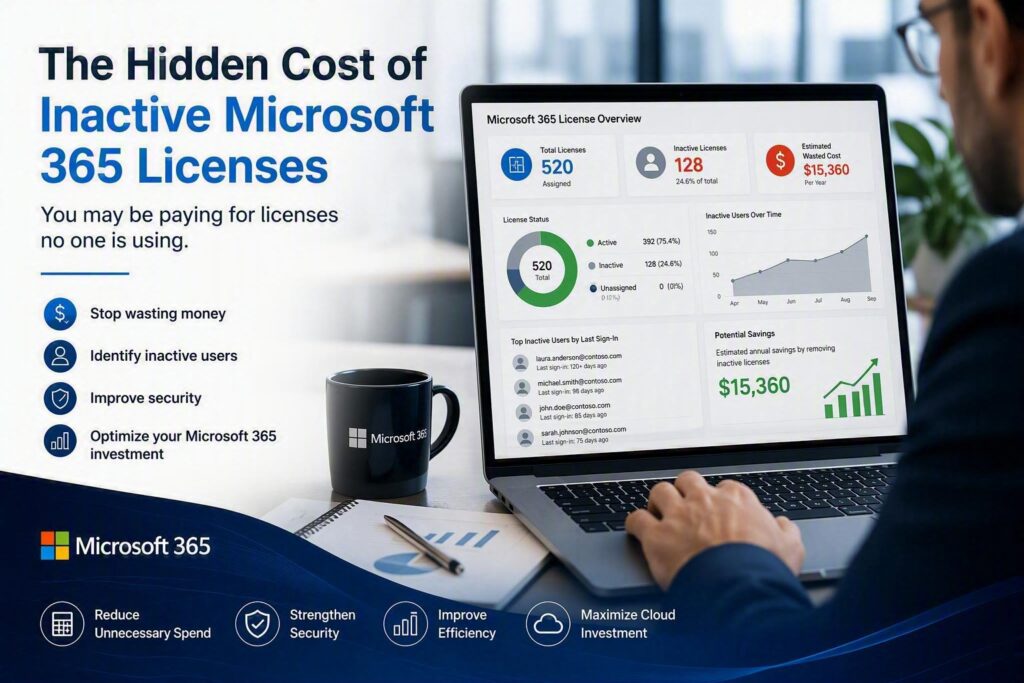
The Hidden Cost of Inactive Microsoft 365 Licenses

The Hidden Cost of Inactive Microsoft 365 Licenses Many businesses focus on choosing the right Microsoft 365 plan but often overlook a common source of unnecessary spending: inactive user accounts. As organizations grow, employees leave, contractors complete projects, and temporary accounts are created for short-term needs. When these accounts remain licensed after they are no longer in use, businesses continue paying monthly subscription costs without receiving any value in return. Why It Happens Inactive licenses often go unnoticed because account management is not part of a regular review process. Common examples include: Former employees who still have active Microsoft 365 accounts. Contractors and temporary staff who no longer require access. Shared mailboxes that remain assigned a license unnecessarily. Duplicate or forgotten user accounts created during organizational changes. While a single unused license may seem insignificant, the costs can quickly add up across multiple users and over several months. The Business Impact Paying for inactive licenses increases operational costs and makes it difficult to accurately track Microsoft 365 usage. In addition to the financial impact, unused accounts can create unnecessary administrative overhead and increase security risks if they remain active. How to Fix It A regular Microsoft 365 license audit can help identify accounts that are no longer required. Consider the following best practices: ✅ Review user activity and sign-in reports regularly ✅ Remove licenses from departed employees immediately ✅ Convert eligible licensed mailboxes to shared mailboxes when appropriate ✅ Disable or delete unused accounts after verifying business requirements ✅ Establish an offboarding process that includes license removal Final Thoughts Inactive Microsoft 365 licenses are one of the easiest areas to optimize. By regularly reviewing user accounts and removing unnecessary licenses, businesses can reduce subscription costs, improve license management, and ensure they are only paying for what they actually use.

Scroll to Top