
Optimize Azure Costs with Advisor
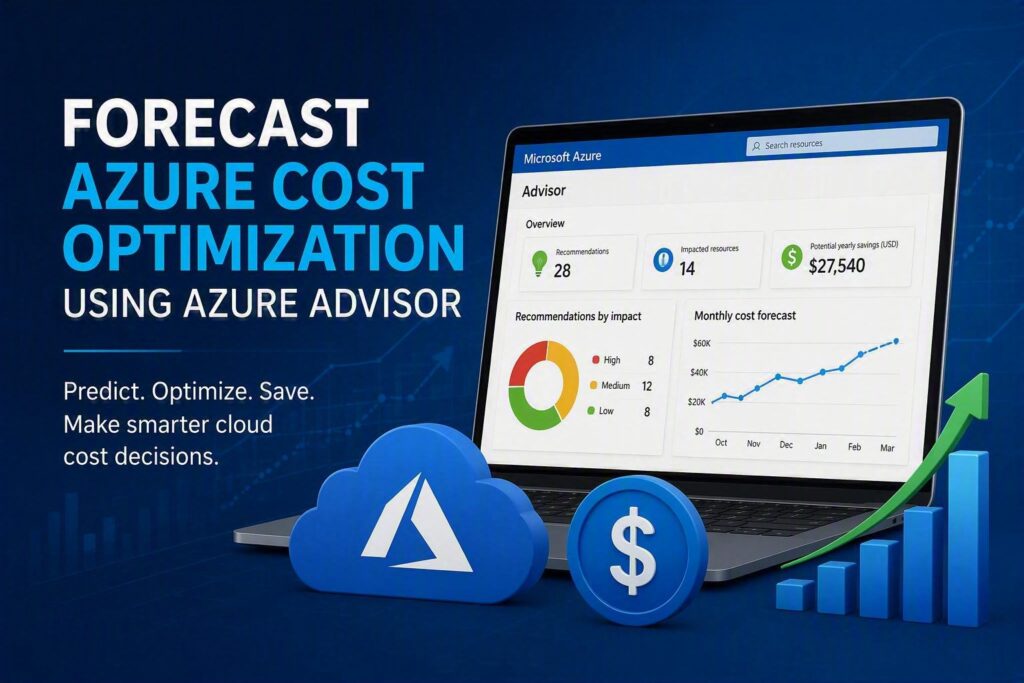
Optimize Azure Costs with Advisor Introduction Many organizations move to Microsoft Azure expecting flexibility and scalability. However, cloud costs can increase quickly when resources are not monitored regularly. Unused virtual machines, oversized databases, and underutilized services often lead to unnecessary spending. Azure Advisor is a built-in Azure service that helps organizations identify opportunities to reduce costs while maintaining performance and reliability. By analyzing resource usage patterns and providing personalized recommendations, Azure Advisor enables businesses to forecast potential savings and create a structured cost optimization strategy. This article explains how Azure Advisor helps forecast Azure cost optimization opportunities and how organizations can use its recommendations to improve cloud spending efficiency. What Is Azure Advisor? Azure Advisor is a personalized cloud consultant available within Microsoft Azure. It continuously analyzes Azure resource configurations and usage patterns to provide recommendations across several areas: Cost optimization Performance Reliability Security Operational excellence For cost management, Azure Advisor identifies resources that can be resized, shut down, or optimized to reduce unnecessary spending. Why Cost Forecasting Matters in Azure Many businesses focus on current cloud expenses but overlook future spending trends. Forecasting allows organizations to: Predict future Azure costs Identify cost-saving opportunities early Improve budget planning Prevent unexpected monthly expenses Align cloud investments with business growth Azure Advisor supports forecasting by highlighting areas where spending can be reduced before costs escalate. How Azure Advisor Forecasts Cost Optimization Opportunities Identifying Underutilized Virtual Machines Virtual Machines (VMs) often contribute significantly to Azure costs.Azure Advisor reviews: CPU utilization Memory usage Network activity Resource consumption patterns If a VM consistently operates at low utilization levels, Advisor may recommend: Downsizing to a smaller VM size Shutting down unused machines Migrating workloads to more cost-effective services Example A company runs a Standard D8 Virtual Machine but regularly uses only 15% of available CPU capacity.Azure Advisor may recommend moving to a Standard D4 instance, reducing monthly infrastructure costs while maintaining required performance. Detecting Idle Resources Unused resources frequently remain active after projects are completed.Azure Advisor can identify: Idle virtual machines Unattached managed disks Unused public IP addresses Unused ExpressRoute circuits Removing these resources eliminates unnecessary cloud spending. Optimizing Database Resources Azure SQL Database and managed database services often become overprovisioned as workloads change.Advisor helps by identifying: Excess database capacity Low resource consumption Opportunities for right-sizing This allows organizations to maintain performance while reducing operating costs.